Bank Guide
Revolut Export Guide
Country
🇪🇺 European Union
This guide explains how to export your bank statement from Revolut in CSV format for import into Budget Buddy.
Export Steps
Open the App
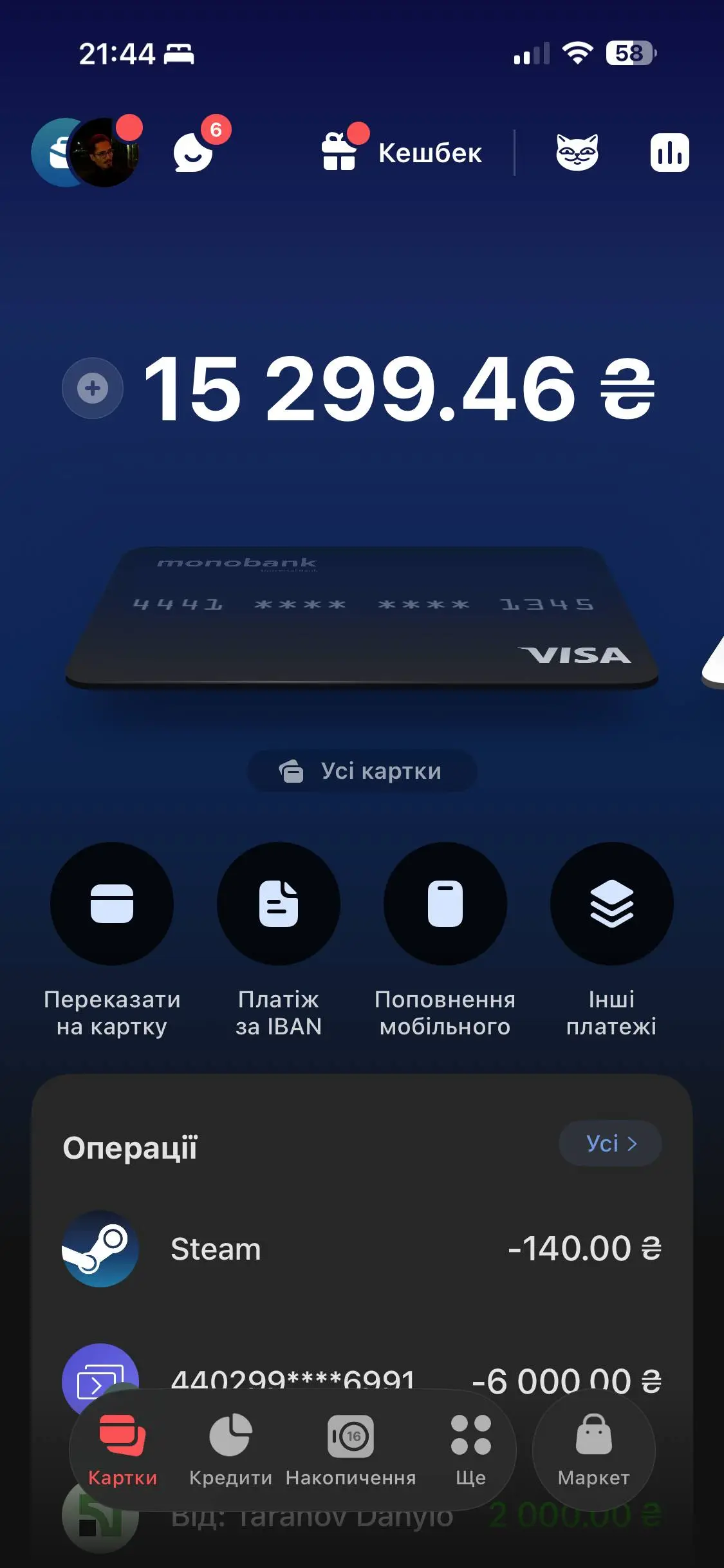
Launch the Revolut mobile application and tap the 3 dots icon (More).
Open Statement
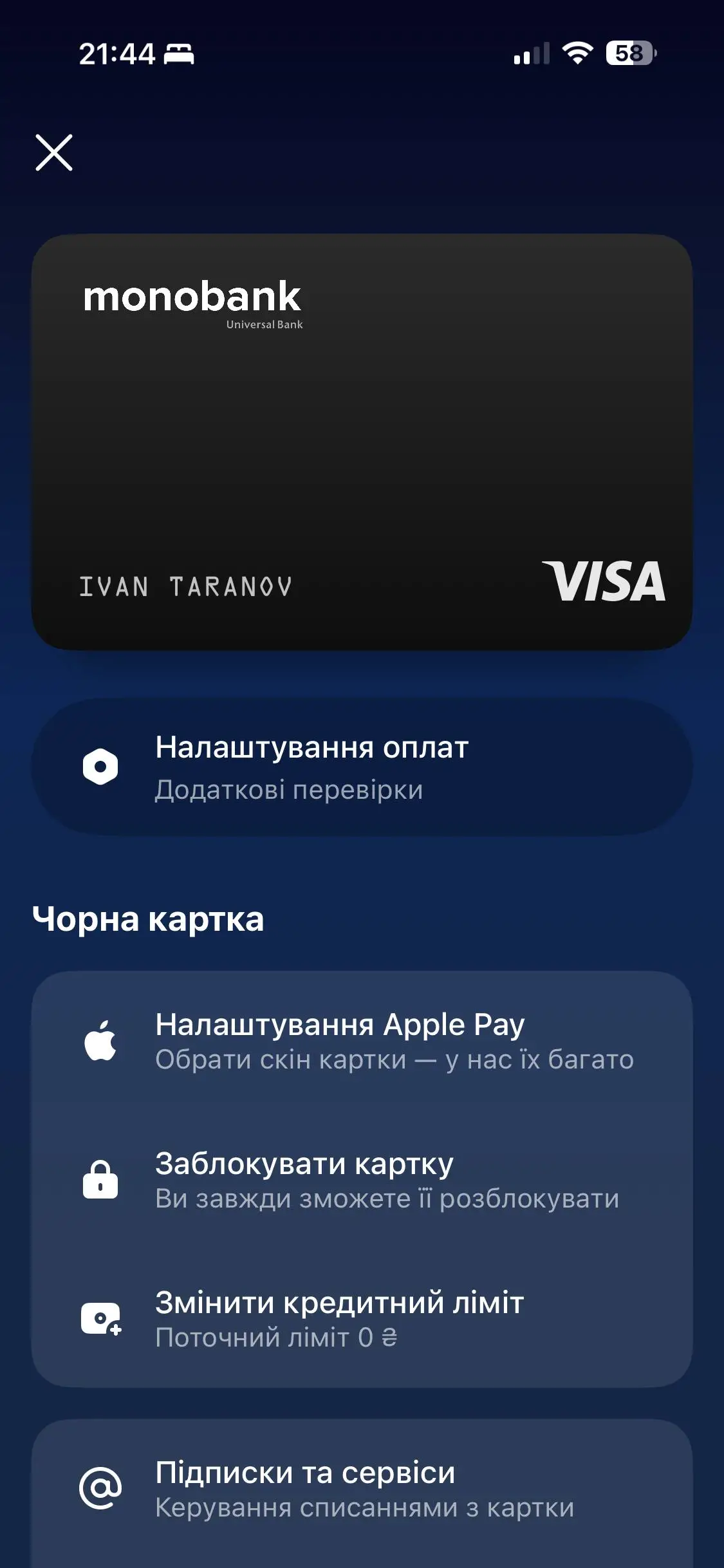
Tap "Statement".
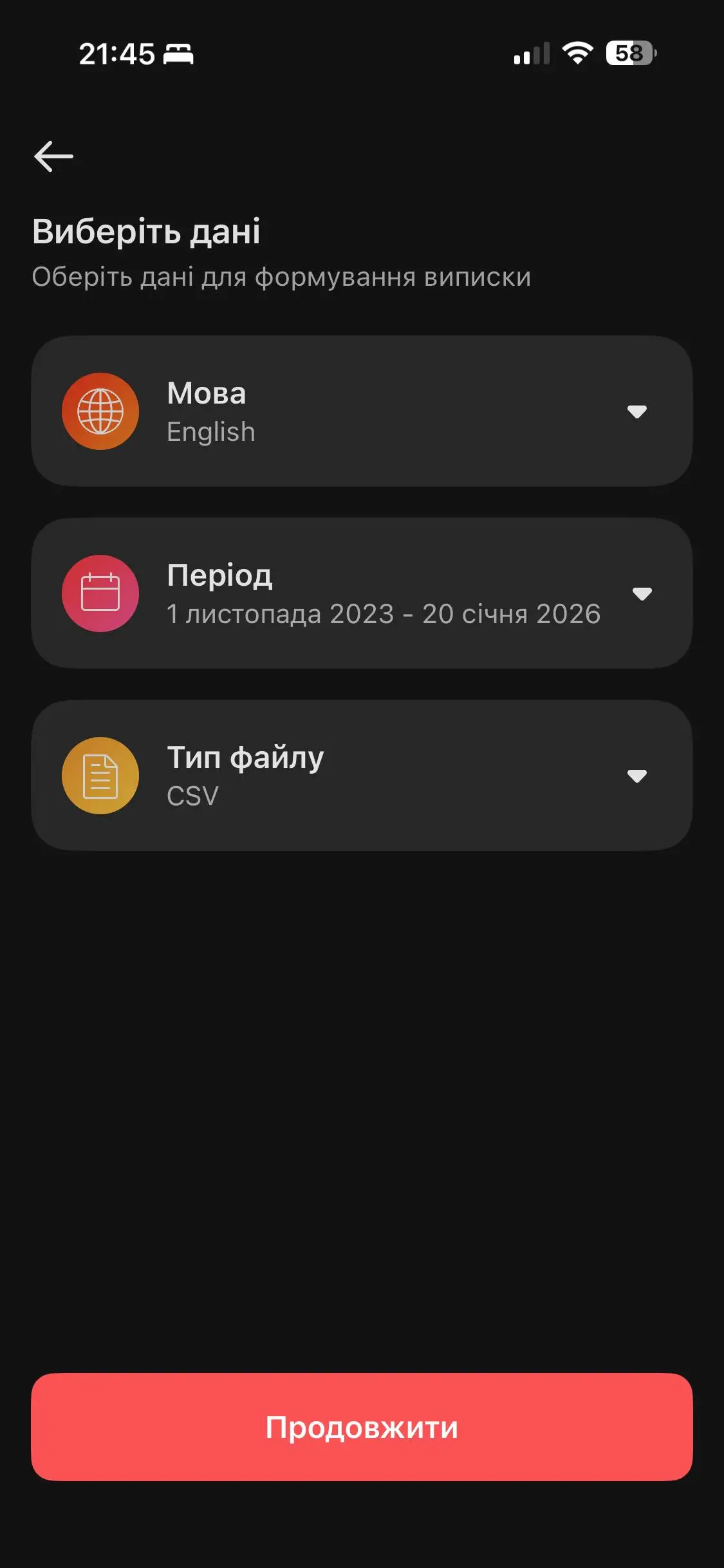
Configure Export Settings
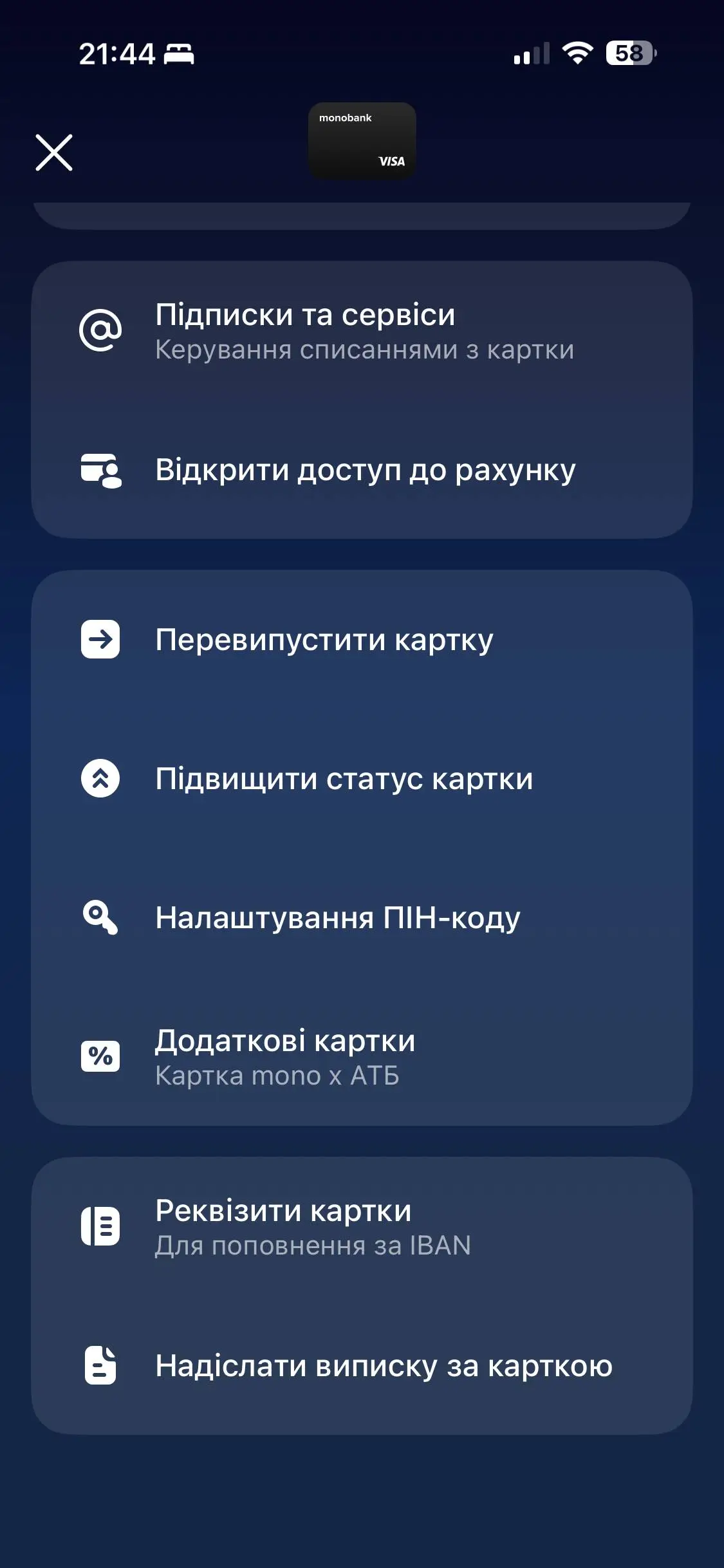
Select "Excel" format and your desired statement period. Tap "Generate".
View the Statement
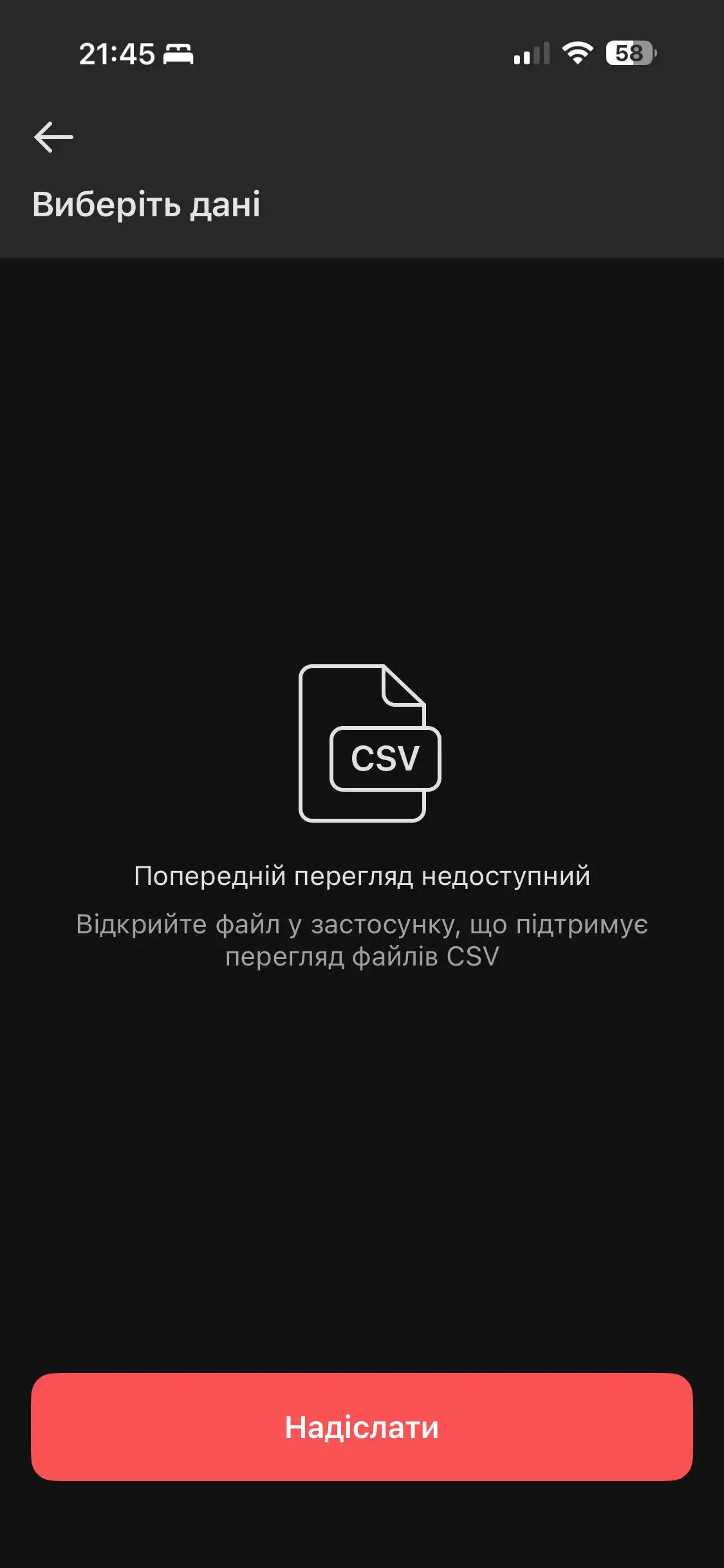
The CSV statement will open immediately. Sometimes, if the statement is large, they may send a download link to your email instead.
Save the File
Tap the "Share" icon in the top right corner to save the generated CSV file to your phone for later opening in Budget Buddy.