Bank Guide
mBank Company Export Guide
Country
🇵🇱 Poland
This guide explains how to export your bank statement from mBank business accounts in CSV format for import into Budget Buddy.
Export Steps
Log In to CompanyNet
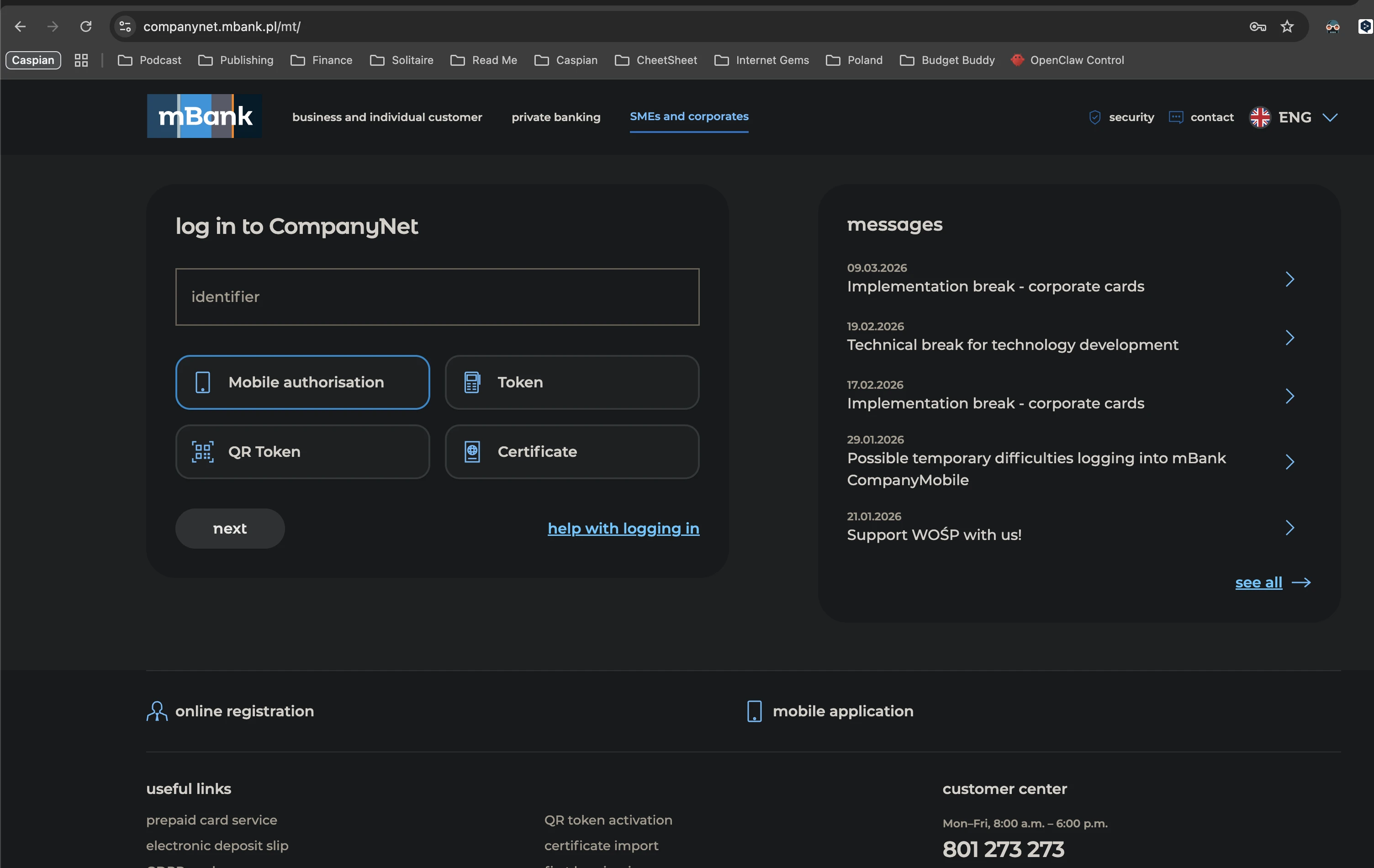
Open https://companynet.mbank.pl/mt/ and log in to your mBank Company account.
Open Operation History
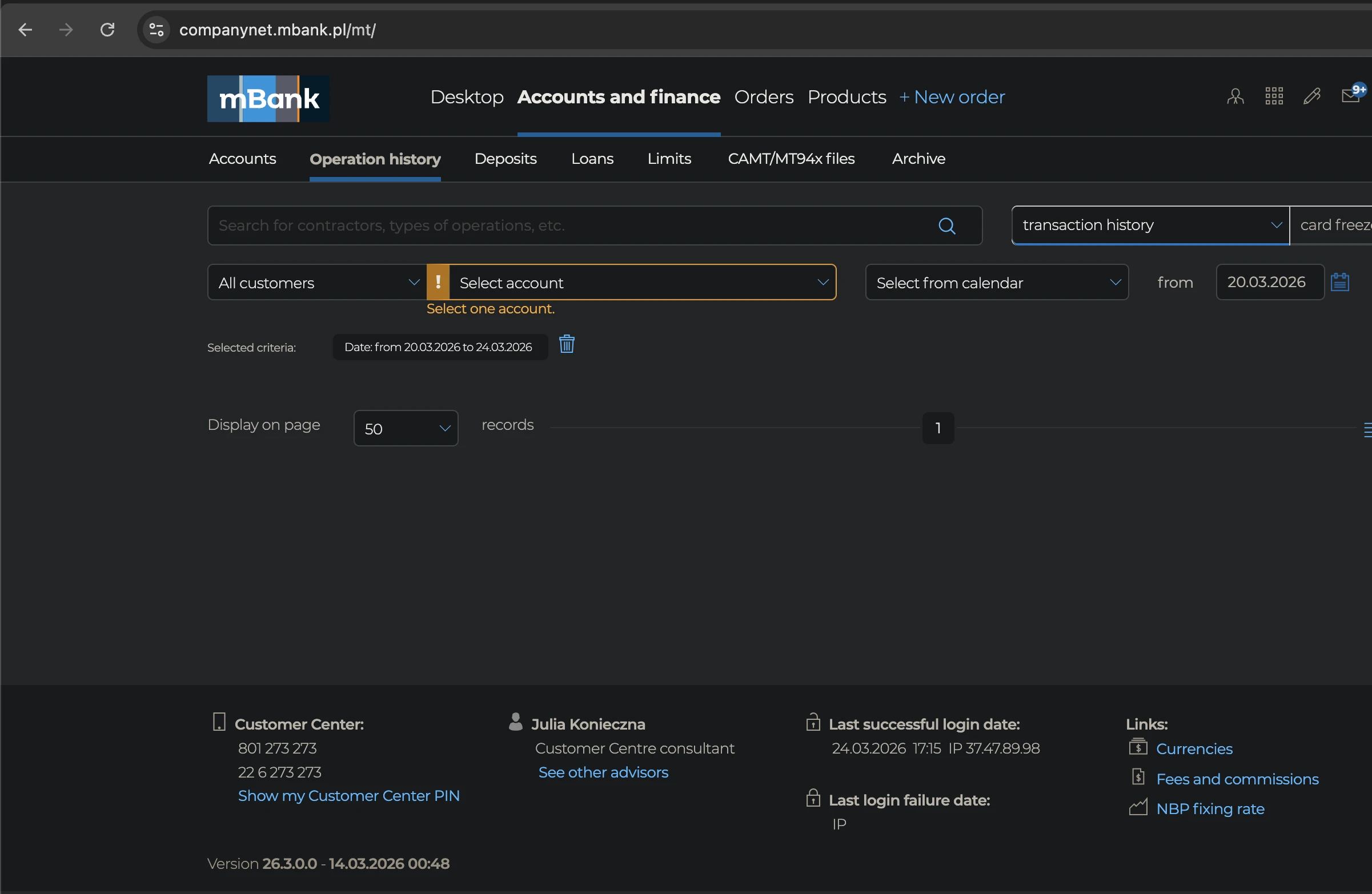
In the top navigation, click "Accounts and finance", then in the second navigation bar click "Operation history". Select the account and statement period you want to export.
Click Download
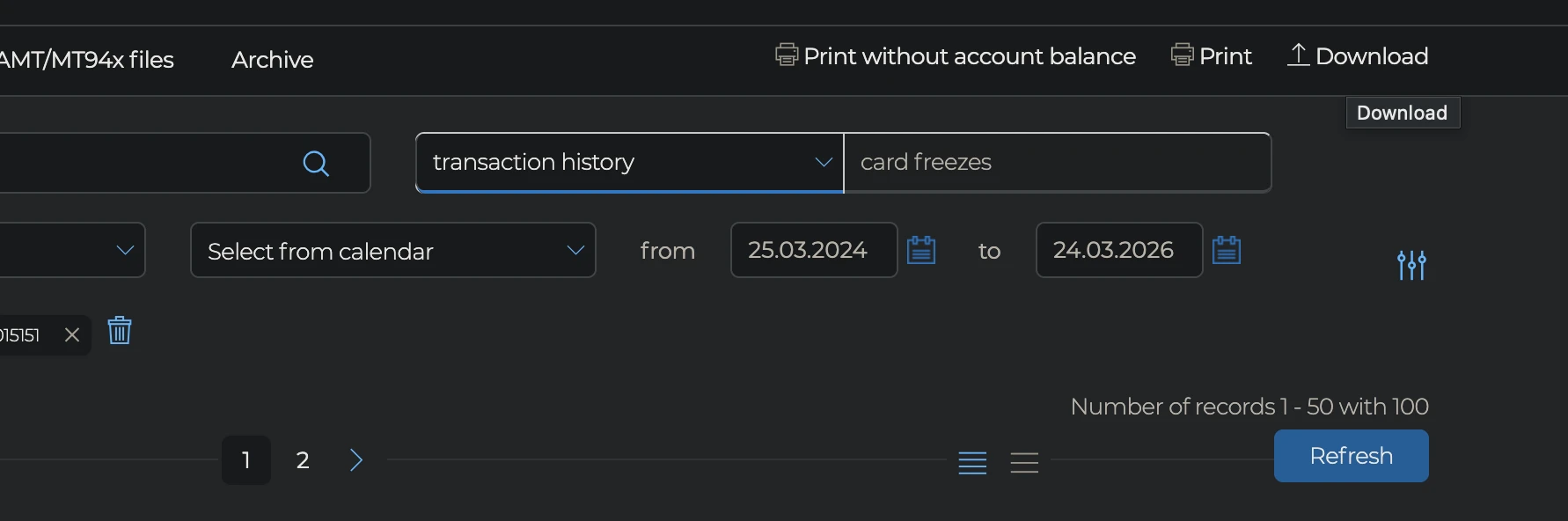
After the account and period are selected, the "Download" button appears in the top right corner. Click it.
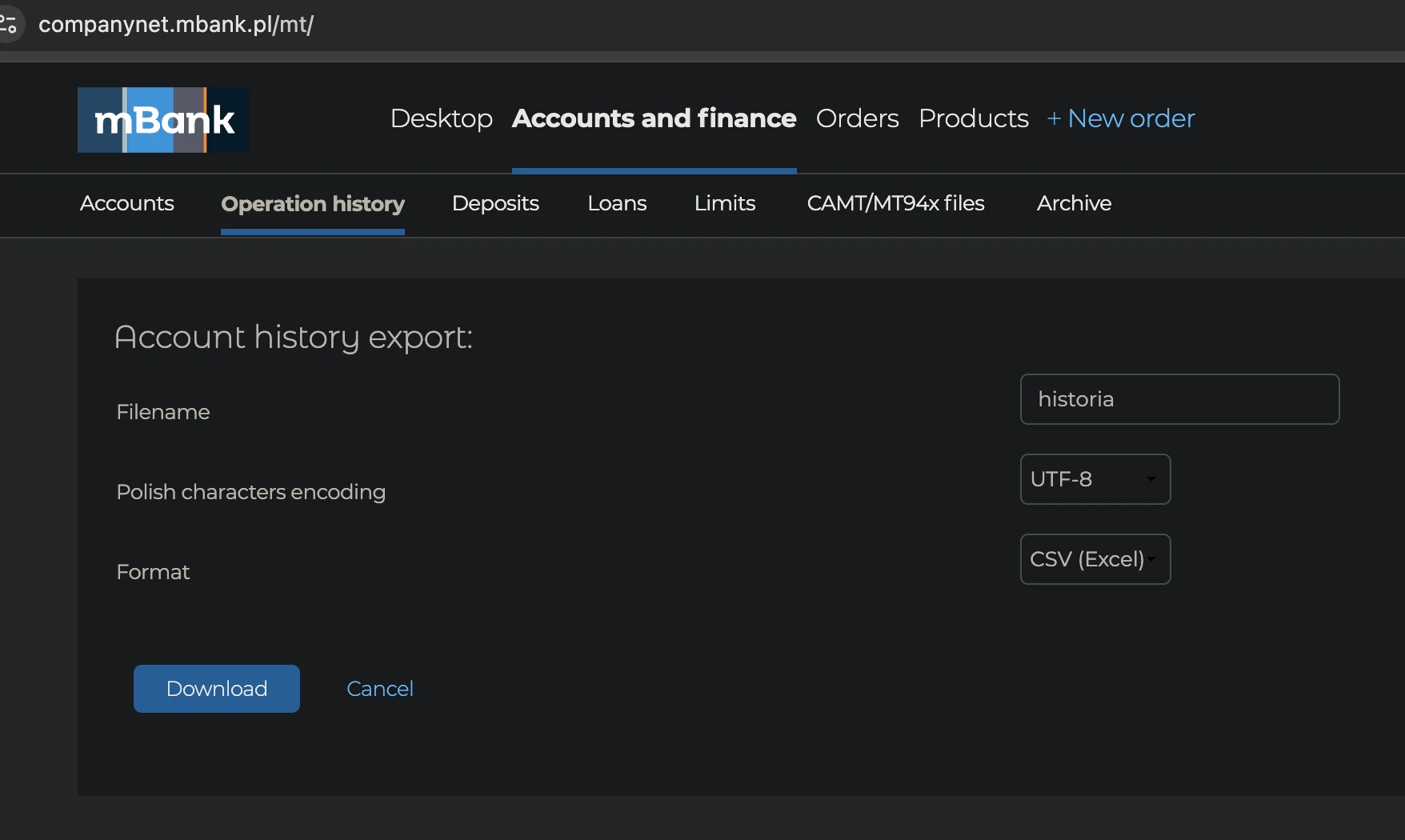
Export as UTF-8 CSV
In the export dialog, keep the filename or change it if needed, set Polish characters encoding to "UTF-8", set format to "CSV (Excel)", and click "Download".